|
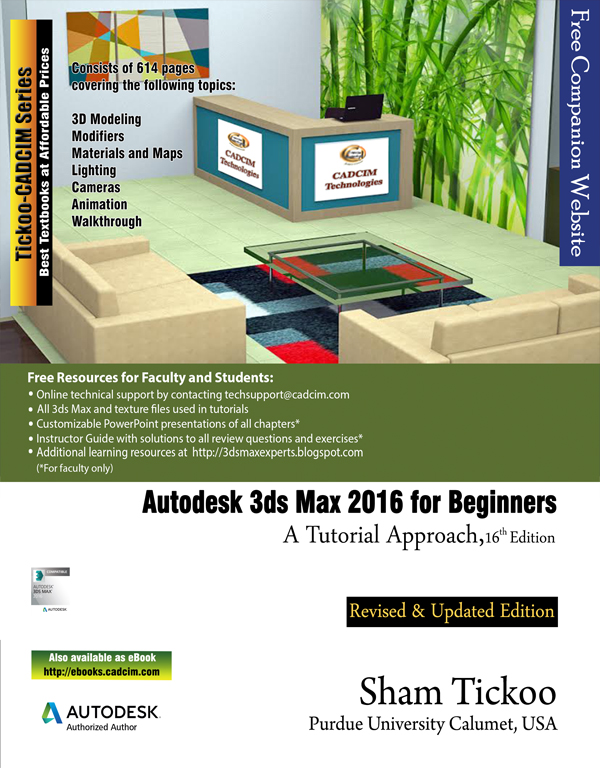
Autodesk 3ds Max 2016 for Beginners: A Tutorial Approach,16th
Edition
|
Please give us
your email address and we will keep you informed about the material
added to this web page |
|
Autodesk 3ds Max 2016 for Beginners: A Tutorial Approach,16th
Edition
|
Please give us
your email address and we will keep you informed about the material
added to this web page |
|
Welcome to the world of Autodesk 3ds Max, a 3D modeling, animation, and rendering software package developed by Autodesk Inc. It is widely used by architects, game developers, design visualization specialists, and visual effects artists. A wide range of modeling and texturing tools make it an ideal platform for 3D modelers and animators. The intuitive user interface and workflow tools of Autodesk 3ds Max have made the job of design visualization specialists easier. Autodesk 3ds Max 2016 for Beginners: A Tutorial Approach is a tutorial-based textbook that introduces the readers to the basic features of 3ds Max 2016 created on real world model through tutorials. The textbook caters to the needs of both the novice and the advanced users of the software. This textbook will help you unleash your creativity and help you create simple and complete 3D models and animations. The textbook will help the learners transform their imagination into reality with ease. Following are the additional features of this book:
Table of Contents Chapter 1: Introduction to Autodesk 3ds Max 2016 Chapter 2: Primitive Objects - I Chapter 3: Primitive Objects - II Chapter 4: Working with Splines - I Chapter 5: Working with Splines - II Chapter 6: Lofting, Twisting, and Deforming Objects Chapter 7: Material Editor: Creating Materials Chapter 8: Material Editor: Texture Maps-I Chapter 9: Material Editor: Texture Maps-II Chapter 10: Material Editor: Controlling Texture Maps Chapter 11: Material Editor: Miscellaneous Materials Chapter 12: Interior Lighting-I Chapter 13: Interior Lighting-II Chapter 14: Animation Basics Chapter 15: Complex Animation Chapter 16: Rendering Chapter 17: Creating Walkthrough Project 1: Creating a Windmill Project 2: Creating a Diner Project 3: Architectural Project Project 4: Corporate Design Project Project 5: Creating a Computer Center
Index |
|
If you find any problems in downloading the files or the contents, please contact us at techsupport@cadcim.com. Thank you. |